
.png)
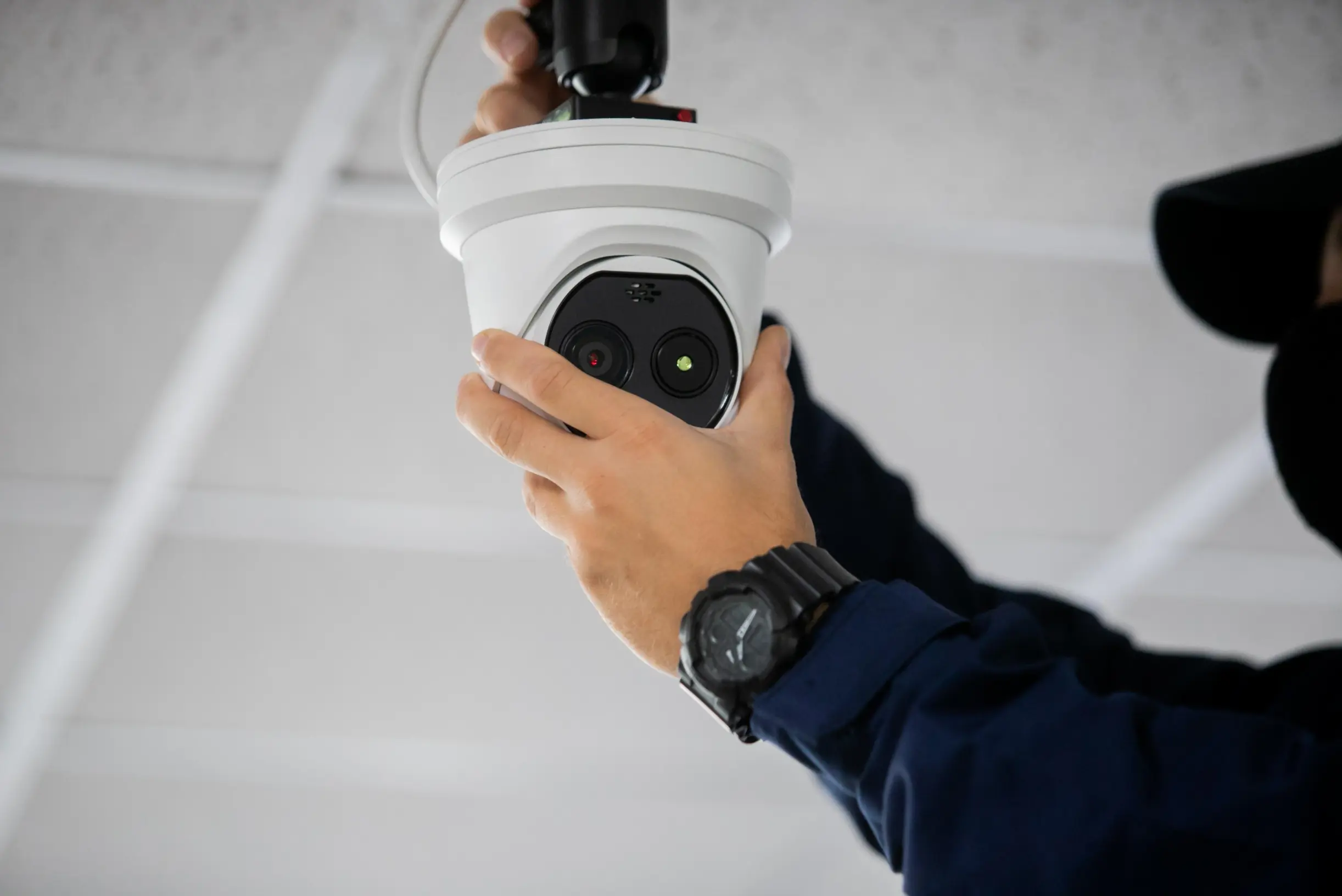
A well-planned security camera installation does more than record video. It gives you reliable visibility into the parts of your property that are hardest to watch, creates a record you can return to when questions come up, and signals to anyone watching that the property is monitored. But the difference between a camera system that protects your business and one that produces hours of useless footage almost always comes down to the decisions made before a single camera goes up.
Whether you manage an office building, a retail storefront, a warehouse, or a construction site, this guide walks through what actually matters in a security camera installation, from coverage planning and camera types to storage, wiring, legal considerations, and the choice between doing it yourself and hiring a professional team.
The most common mistake in any security camera installation is buying hardware first and figuring out coverage second. Cameras are only as useful as the areas they actually capture, and a property's real weak points are rarely the obvious ones.
Start by walking the property and identifying where problems tend to happen or where visibility is already limited. Entrances and exits, parking areas, loading docks, side access points, hallways, registers, and storage zones are the usual priorities. The goal is to map coverage to risk, not to scatter cameras evenly and hope for the best.
A useful exercise is to think about what footage you would want if an incident happened tomorrow. Who came in and when? What vehicle was in the lot? Which door was used? If your camera placement can answer those questions clearly, the system is doing its job. If it only captures the tops of heads or a distant blur near the property line, the placement needs rethinking before anything gets mounted.
Not every camera suits every location, and choosing the right form factor for each spot has a major effect on the quality of your coverage.
Dome cameras are the rounded units you see mounted on ceilings. Their housing makes it hard to tell which direction the lens is pointing, which discourages tampering, and they blend into indoor environments like lobbies and retail floors.
Bullet cameras are the visible, cylindrical units that point in an obvious direction. That visibility is a feature: a clearly mounted camera over an entrance or parking area is a deterrent in itself, and bullet cameras generally handle longer viewing distances well.
Turret cameras sit between the two, offering flexible aiming without the glare issues that dome housings sometimes create at night.
PTZ (pan-tilt-zoom) cameras can move and zoom, either on a set patrol pattern or under manual control. They are powerful for covering large open areas like yards or parking lots, but because they can only look one direction at a time, they work best alongside fixed cameras rather than as a replacement for them.
Matching the camera to the environment, indoor versus outdoor, wide area versus a single doorway, well-lit versus dark, is one of the decisions that most directly determines whether your footage is actually usable.
Image quality is where many budget systems quietly fail. A camera advertised at a high resolution still produces poor results if it is aimed too wide, positioned too far from the subject, or unable to handle the lighting conditions on site.
Resolution matters because it determines how much usable detail you capture. Higher-resolution cameras let you identify faces, read license plates, or zoom into recorded footage without it dissolving into pixels. But resolution interacts with field of view: a single camera trying to cover a huge area spreads its pixels thin, so two well-placed cameras often outperform one wide-angle unit trying to do everything.
Low-light and night performance deserve close attention, especially in the Pacific Northwest where short winter days mean a lot of activity happens in the dark. Look at how a camera handles infrared night vision, glare from headlights or overhead lighting, and high-contrast scenes like a bright doorway against a dark interior. The footage a camera produces at 2 a.m. is usually the footage you will actually need.
One early decision shapes much of the installation: wired or wireless.
Wired systems, typically using PoE (Power over Ethernet) cabling, deliver both data and power through a single cable. They are reliable, not dependent on Wi-Fi signal strength, and well suited to larger commercial properties where consistent performance matters. The tradeoff is a more involved installation, since cable has to be run, sometimes through walls, ceilings, or conduit.
Wireless systems are faster to set up and easier to reposition, which can make them appealing for smaller spaces or temporary needs. The tradeoffs are real, though: they depend on a stable network, can be affected by interference and distance, and still usually need a power source at each camera unless they run on batteries that require regular maintenance.
For most commercial properties, a wired or hybrid approach offers the dependability that ongoing security demands. For smaller or temporary setups, wireless can be a reasonable fit. The right answer depends on the size of the property, how permanent the system needs to be, and how much downtime you can tolerate.
Recording video is only half the equation. You also need to store it long enough to be useful, and decide how that storage works.
Most systems record to either an NVR (network video recorder) for IP cameras or a DVR for older analog setups, often with the option to back up or stream footage to the cloud. Local storage keeps everything on site and avoids ongoing subscription costs, while cloud storage protects footage even if on-site equipment is damaged or stolen, and makes remote access simpler.
How long you keep footage, your retention period, depends on storage capacity, recording settings, and how far back you might realistically need to look. Some properties only need a few days; others keep weeks of footage for compliance or investigation purposes. Higher resolution and continuous (rather than motion-triggered) recording fill storage faster, so retention is a balance worth settling during planning rather than discovering after the drive fills up. As Stonewall Security notes for its commercial clients, retention needs are usually determined during the planning and setup process so the system is sized correctly from the start.
Modern systems let authorized users view live footage and review recordings remotely from approved devices, which is one of the most practical features for property managers juggling multiple sites. Before setup, decide who should have access, what they should be able to see, and how that access is secured.
There is also a meaningful difference between a system that simply records and one that is actively monitored. Recorded footage is valuable after the fact, but live monitoring, whether by your own team or a security provider, allows someone to respond while an incident is still unfolding. Many properties benefit from pairing camera coverage with monitoring support or on-site personnel so that footage leads to action, not just a record of what already happened.
Because most modern cameras connect to a network, they can become a vulnerability if not configured properly. Change default passwords, keep firmware updated, segment cameras from your main business network where possible, and restrict access to authorized users. A camera system that protects your property should not become an open door into your data.
Privacy and legal compliance also matter. In Washington, as in most states, video surveillance of public-facing and commercial areas is generally permitted, but recording audio is treated very differently and is subject to strict consent laws. Cameras should also avoid areas where people have a reasonable expectation of privacy, such as restrooms or changing areas. Posting clear notice that the property is monitored is good practice and, in some contexts, expected. When in doubt, it is worth confirming the specifics for your property type and location before recording.
Off-the-shelf camera kits make do-it-yourself installation tempting, and for a small space with simple needs it can be a workable option. The honest tradeoffs show up on larger or more complex properties.
Professional installation brings coverage planning that accounts for blind spots, proper placement and mounting heights, clean cable runs, correct system configuration, and ongoing support when something stops working. It also tends to produce a system that holds up over years of daily use rather than one assembled in an afternoon and left to drift out of alignment. For commercial properties where the footage genuinely matters, the planning and setup are usually where most of the value lies.
Stonewall Security approaches every commercial camera installation and monitoring project with attention to placement, configuration, and long-term reliability, designing systems around how each property is actually used. That includes office buildings, retail locations, construction sites, warehouses, and industrial sites, each of which has different coverage priorities.
Before your security camera installation begins, it helps to have clear answers to a handful of questions:
Working through these before installation prevents the most common and expensive outcome: discovering, after an incident, that the footage you needed was never captured.
Everything above comes down to one thing: the footage you'll actually need is decided before installation, not after. Stonewall Security handles that planning for you, walking your property, mapping coverage to your real blind spots, choosing the right camera types for each location, and configuring storage, retention, and remote access so nothing gets missed. Then we install it properly and support it over time.
If you're weighing a new security camera installation or rethinking a system that isn't capturing what you need, request a camera coverage consultation. We'll actually respond.

