

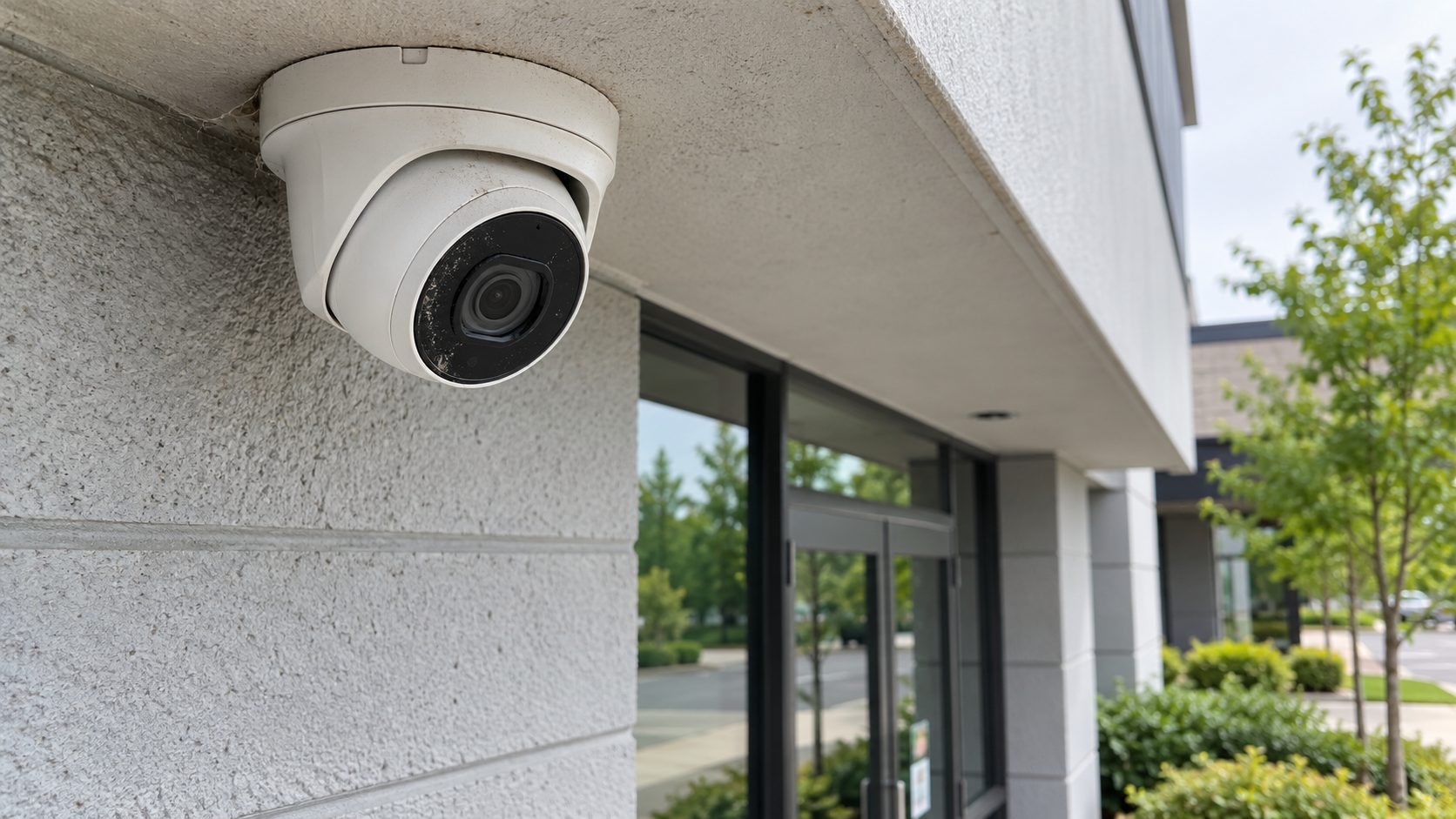
Security camera maintenance exists because camera systems rarely fail loudly. The live view on the monitor looks normal, the cameras appear online, and nobody learns that recording stopped three weeks ago until someone goes looking for footage of something that already happened.
That is the failure mode worth planning around. A system that goes completely dark gets reported the same day. A system that quietly stops writing to disk, or drops two cameras off the network, or loses a month of retention after someone raised the resolution, keeps looking fine right up until it matters. This guide covers what degrades, which failures hide, and what security camera maintenance actually needs to check.
Live viewing and recording are separate functions. A camera can stream to a monitor while the recorder fails to write, because the feed reaching your screen proves the camera and the network are working and proves nothing about storage.
Most systems also have no one assigned to notice. Cameras get checked when footage is needed, which means the interval between a failure and its discovery is however long it takes for an incident to occur. On a quiet property, that can be months.
The third reason is that degradation is gradual. A lens does not go opaque overnight, an infrared illuminator dims over years, and a housing seal fails slowly enough that the first fogged mornings look like weather. Nobody reports a system that is ten percent worse than last year.
Camera systems degrade in eight predictable places, and the right-hand column is what makes them hard to catch.
The spiderweb entry is worth a note, because it is the most common maintenance item on exterior cameras and the least anticipated. Infrared illuminators attract insects, insects attract spiders, and a web across the lens both obscures the image and triggers motion alerts all night.
Checking that cameras are online tells you very little. The test that tells you something is retrieval.
Pick a camera and a date a few weeks back, and actually export the footage. Not view it; export it, the way you would if an insurer or an officer asked for it. That single exercise surfaces nearly every failure on the list above at once: whether recording was running, how far back retention really goes, whether the image is usable, whether the timestamps are right, and whether anyone on your staff still knows how to get a file off the system.
Run it quarterly, on a different camera each time. Most properties that do this for the first time find something.
Physical and system work are split into different intervals, and they need different people.
Clean lenses, domes, and housings, and check for condensation inside them. Confirm each camera is still aimed where it was commissioned, because a shifted camera is easy to miss and completely changes coverage. Look for webs, nests, and vegetation that has grown into a view. Verify that cable entries and conduit remain sealed.
Exterior cameras need this more often than interior ones, and properties near roadways, loading areas, or warehousing and distribution operations accumulate grime considerably faster than an office lobby does.
Confirm recording is active on every camera rather than assuming it from the live view. Check actual retention by looking at the oldest available footage, not at the configured setting. Review available storage and drive health through the recorder’s own diagnostics. Confirm the clock is synchronized. Re-check motion detection zones, since a zone drawn around a scene that has changed produces either constant false alerts or silence where you wanted alerts.
Anything newly added to the system takes capacity from everything already on it. A property that adds four cameras without adding storage has quietly shortened retention across all of them.
Network cameras and recorders are computers on your network, which is the part most properties never maintain.
Manufacturers issue firmware updates that include security fixes. Unpatched devices are a known target, and a compromised camera is both a privacy problem and a route into whatever else that network reaches. Current guidance on securing network-connected devices is published by the Cybersecurity and Infrastructure Security Agency.
Credentials deserve the same attention. Default passwords left in place are among the most exploited weaknesses in connected devices, and the National Institute of Standards and Technology publishes guidance on device security practices.
Beyond the defaults, maintenance means removing access when staff leaves, which is the gap that outlasts every technical fix on this page. Properties with stricter access requirements, data centers in particular, usually formalize this because an auditor will ask.
A checklist nobody signs produces the same result as no checklist.
Two arrangements work in practice. Some systems support health monitoring that alerts when a camera drops offline or a drive reports errors, which converts an invisible failure into a notification. Where that is not available, the alternative is a person.
Officers on mobile patrol are on site after hours anyway and can log fogged domes, offline indicators, and obstructed views as part of the patrol record, and the patrol log then shows when each condition was first seen.
Findings also need somewhere to go. A fogged dome noted by an officer and a drive error flagged by the recorder both need a route to whoever actually fixes them, and on leased property that may be the landlord rather than you. Settle that before the first check rather than after.
Either way, write down what was checked and when. The log is what distinguishes a system that was maintained from a system that happened to be working.
The worst time to learn the state of your camera system is the morning after you need it. Everything on this page is cheaper than that conversation.
If you would rather not audit it yourself, Stonewall Security installs and monitors commercial camera systems and can look at what an existing one is actually recording. Request a camera coverage consultation when it suits you, and we’ll actually respond.

