
.png)
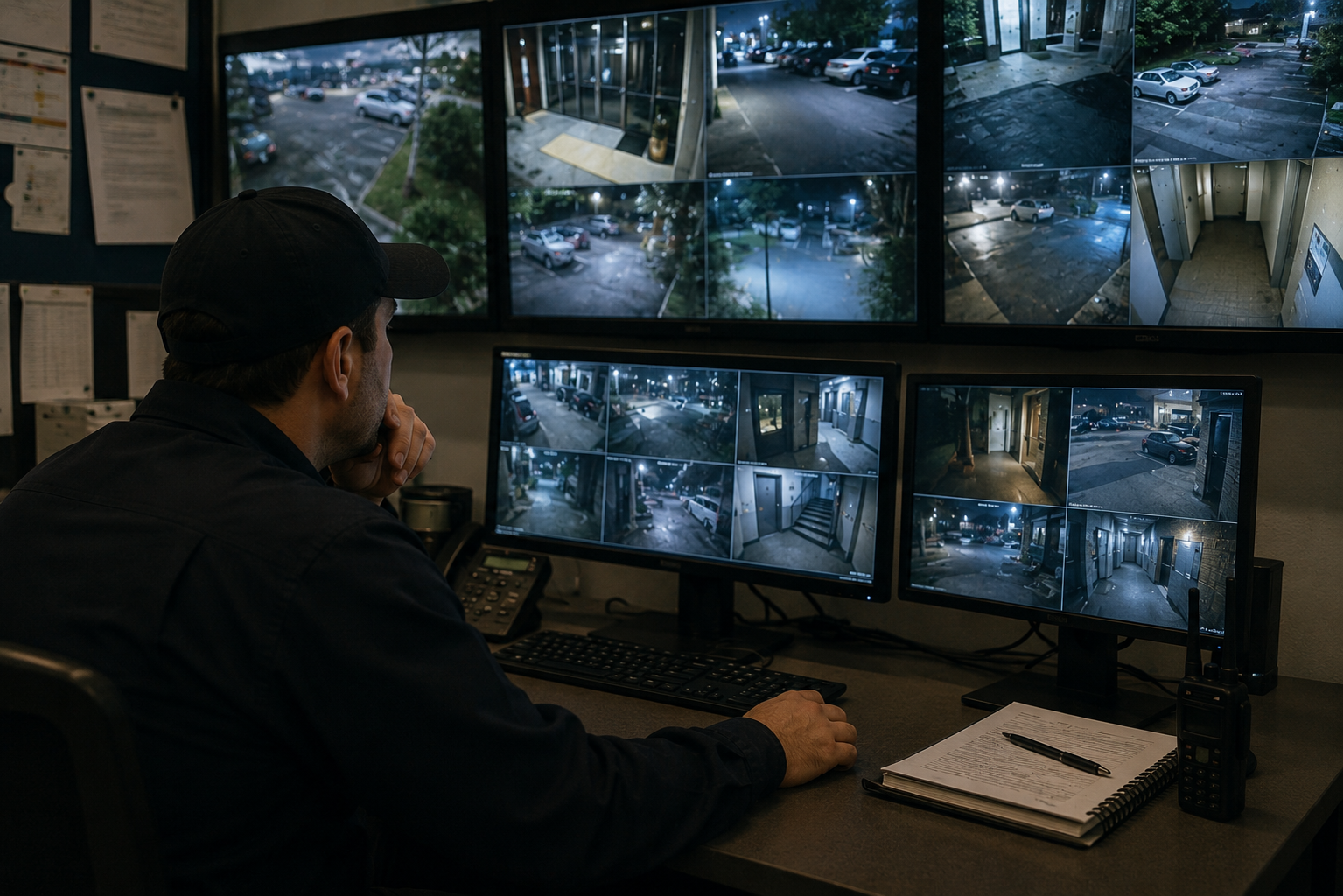
At its simplest, a security camera works by catching light through a lens, turning that light into a digital image with a sensor inside the camera, sending that image down a wire or over Wi-Fi to a recorder, storing it, and finally putting it on your screen to watch live or replay later. Everything else, night vision, motion alerts, phone viewing, hangs off that one chain. The easiest way to understand a camera system is to follow a single image through it from start to finish, because that path is also the order in which things can go right or wrong. Knowing it is the difference between buying cameras that give you footage you can actually use and cameras that leave you squinting at a blurry shape at 2 a.m. This guide walks that path step by step: how light becomes an image, how the camera copes with darkness, how the image travels to a recorder, where it is stored and for how long, and how it finally reaches you.
Everything starts at the front of the camera, where two parts, the lens and the sensor, set the ceiling on what your footage can ever show. Get these wrong and no amount of storage or software downstream can rescue the picture.
The lens decides how wide a view the camera takes in and how much detail it holds at a distance. A wide lens covers a big area, like a full lot or a lobby, but spreads its detail thin, so a face far away may not be identifiable. A narrower lens covers a smaller area and holds detail better, which is what you want on a doorway or a register. Some cameras have a fixed lens, others let you adjust the zoom. This is one of the biggest reasons where you put a camera matters as much as which one you buy, worth planning before installation rather than after.
Behind the lens sits the image sensor, which converts the incoming light into an electronic image. Its quality, and the resolution that comes with it, decides how sharp that image is. Resolution, the number written as 1080p, 4MP, 4K, and so on, is simply how many tiny dots of detail the sensor captures. More of them means you can zoom into a recording and still make out a license plate or a face instead of a smear of pixels. It is tempting to chase the highest number, but resolution only pays off when the lens, the lighting, and the storage keep up with it. A high-resolution camera pointed into glare or aimed too wide still gives you a picture you cannot use.
Light does not cooperate all day, and plenty of the footage that actually matters gets recorded after dark, which in the Pacific Northwest can mean by late afternoon in winter. So before the image goes anywhere, the camera has to deal with whatever light it is given. Most cameras handle darkness with infrared, or IR. Small LEDs around the lens throw out infrared light that people cannot see but the sensor can, lighting the scene in a way that shows up as black-and-white night video. That is how a camera can watch a pitch-dark room and still record clear movement.
Cameras vary a lot here. Some hold detail in near-total darkness, others wash out or go grainy the moment the light drops. Bright light behind a subject causes its own trouble, a lens facing a security light or a lit doorway can record a dark silhouette instead of a face. If your property has spots that stay dark or that you only worry about after hours, low-light performance is worth weighing rather than treating as a bonus.
Now the camera has an image, and that image has to get somewhere to be saved. How it travels is one of the first real decisions in any system, and it shapes how reliable everything after it will be.
Most serious commercial systems lean on wired connections, often using Power over Ethernet, or PoE, where one cable carries both the camera's power and its video signal. That keeps the feed steady and cuts down on separate power runs. Wireless has its place, especially where pulling cable is impractical, but a wireless feed depends on your network holding up, and a weak or busy connection can mean dropped or laggy footage right when you need it.
The kind of camera matters too, because it changes what travels down that connection. Older analog cameras send a basic video signal to a recorder called a DVR. Newer IP cameras, the "IP" meaning they work like devices on a computer network, send a sharper digital signal to a recorder called an NVR and can carry more detail and smarter features. If you want to go deeper on the differences, our overview of the types of surveillance systems lays them out, and either way, the connection is a core part of how the whole video surveillance setup hangs together.
Once the image reaches the recorder, the system has to keep it, and where it keeps it comes down to two options. The common one is a physical recorder on site, a DVR for analog cameras or an NVR for IP cameras, saving video to hard drives in the building. The other is the cloud, where footage uploads to remote servers you reach over the internet. Some systems use both.
The detail people overlook is retention, meaning how long recordings stick around before the system records over them. Storage is finite, so a system holds a certain number of days, then loops back and overwrites the oldest footage. That matters because you often do not know you needed a clip until well after the fact, when a tenant reports damage from last week or an incident surfaces days later. Higher resolution eats more storage, so sharper cameras and longer retention both push you toward more drive space or cloud capacity. Balancing resolution against how far back you can look is a big part of designing a system that serves you instead of frustrating you, and it is one of the details worth nailing down during camera installation.
The last stop in the chain is you, and this is where a system stops being a recorder and starts being useful.
Most modern systems let you view live and recorded video from a phone, tablet, or computer, so you can check a delivery bay from home or pull up last night's footage from your desk. That remote access is now standard rather than a luxury.
Cameras also do more than passively record. Motion detection lets the system flag movement and alert you, or start recording only when something happens, which saves storage and spares you hours of empty footage. Many systems add smarter analytics, telling a person from a passing car, or noticing when someone lingers. Alerts help, but there is a gap between getting a notification and someone actually acting on it. That gap is where live video monitoring comes in, with a real person watching feeds and able to respond while an event is still unfolding rather than after. Cameras also work best as one layer among several, tied in with access control so a recorded image lines up with who opened a door.
Follow that path start to finish and one thing becomes clear: a system is only as strong as its weakest step. A sharp camera with too little storage overwrites the footage you needed. A high-resolution feed on a shaky wireless network drops out at the worst moment. Cameras aimed without a plan leave gaps no spec sheet can fix. A good system is not the one with the biggest resolution number or the most cameras, it is the one where the lens, sensor, low-light ability, connection, storage, and viewing all fit the property they are protecting. The pieces have to be chosen together, which is why walking a property and matching the equipment to its real risks beats grabbing a kit off a shelf.
Understanding how security cameras work is the easy part. Putting the right pieces together for your specific building is where it pays to have help. Stonewall Security handles commercial camera installation and monitoring across Seattle and throughout Washington State, from choosing and placing the cameras to keeping an eye on the footage once the system is live. If you want a setup designed around your property instead of a one-size box, request a camera coverage consultation and we'll actually respond.

